Account Payable Module
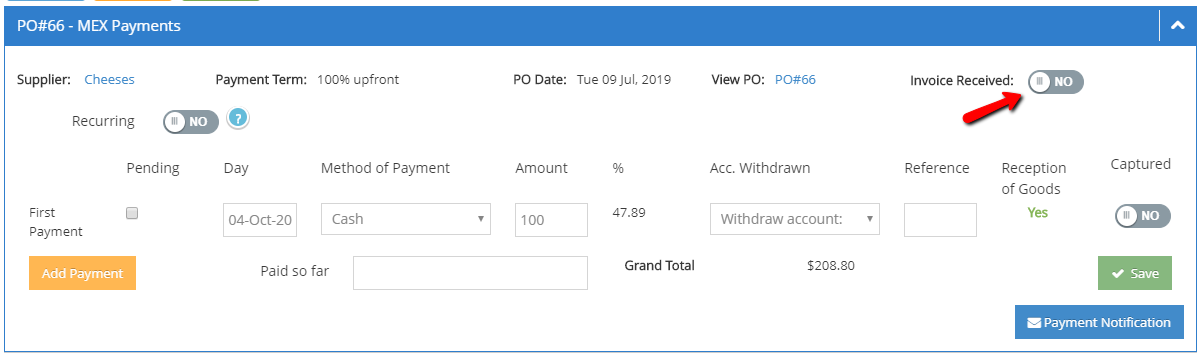
From the A. Payables module, you can register payments made to suppliers. You need to enter:
- Payment date
- Method of payment
- Method of payment
- Amount
- Account withdrawn
You can notify the supplier that the payment was scheduled. Enter the payment information, click save and then click on Send Notification. A scheduled payment notice will be sent to the supplier.
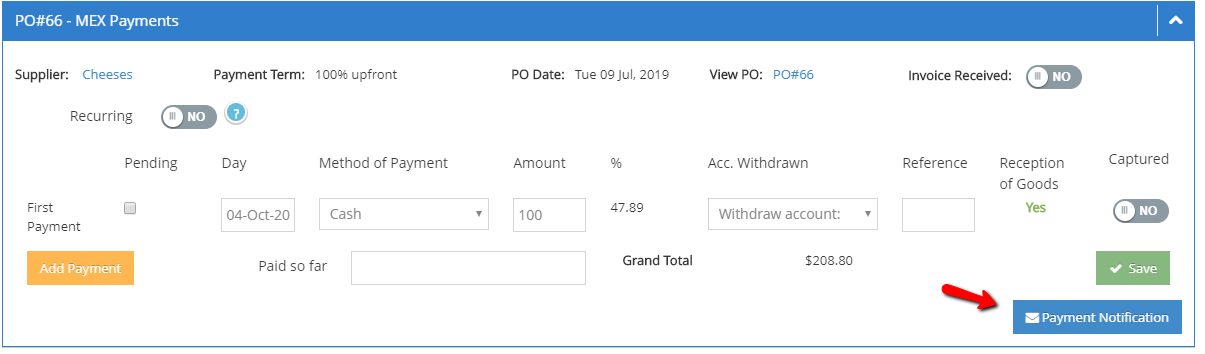
TIP: If you are not sure of the payment date, you can mark it as Pending.
You can acknowledge the reception of the invoice provided by the supplier by clicking on Invoice Received.