Account payable listings
Account payables
listing is divided into two listings. One listing has all payments
triggered by the orders, and the other listing comes from all payments
triggered by the requisitions. The objective of dividing both lists like this
is to help identifying expenses based on the triggers.
Â
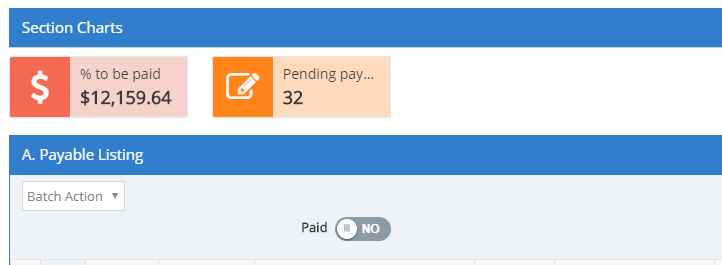
You can filter the listing to see only
paid orders by clicking on the toggle button named “Paidâ€.
Â
In the listing, you will find columns with essential information about the payments
like identifying if the supplier's invoice was received and the payment terms
among other information. You will find as well a column “Good received†that
will let you know if the goods have been received in the inventory module.
Â
On the top, you find the % to be paid. This value shows the amount of
money owed to the suppliers.
Â
You can filter the listing to show results based on the supplier.
Â
